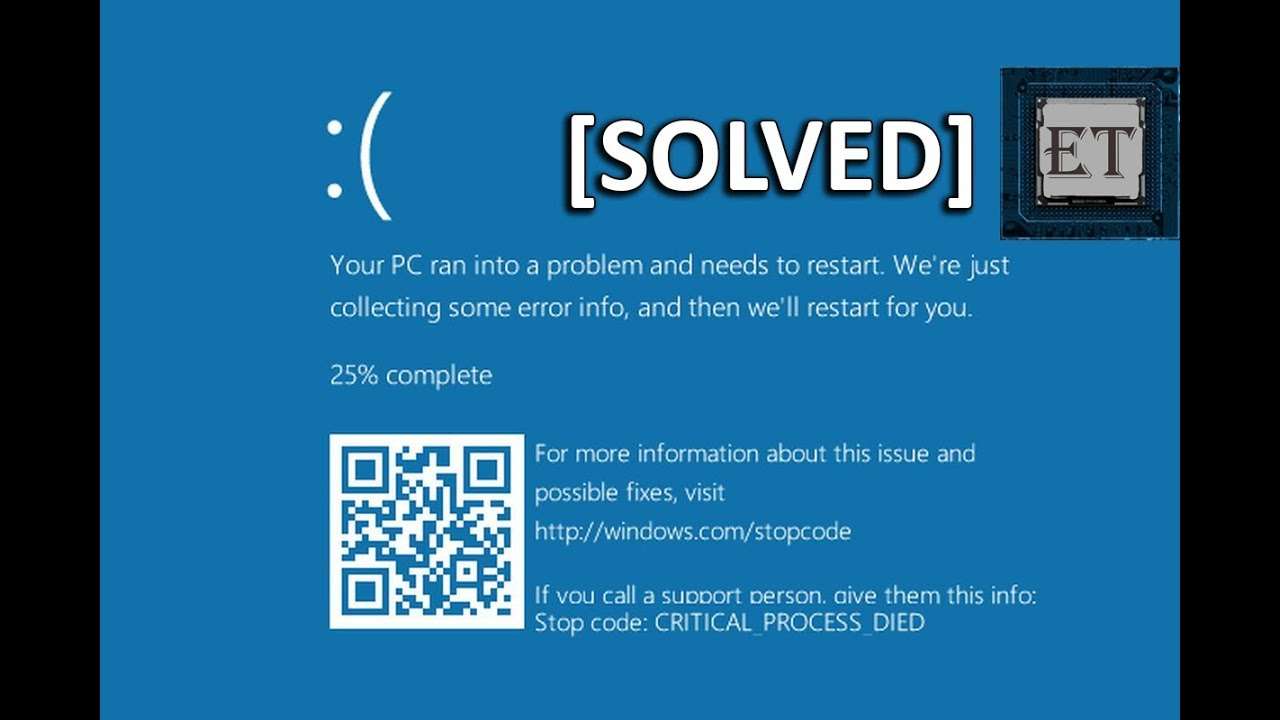
Steps to fix "Your PC ran into a problem and needs to restart" error. Please follow all these steps:
- Goto Advanced Options
- Select Troubleshoot
- Select Advanced Options
- Select Command Prompt and Run as Administrator
- Execute following codes
cd C:\Windows\System32
cd config
cd RegBack
DIR
cd ..
REN DEFAULT DEFAULT1
REN SAM SAM1
REN SOFTWARE SOFTWARE1
REN SYSTEM SYSTEM1
REN SECURITY SECURITY1
cd RegBack
COPY * C:\WINDOWS\System32\config
Now Restart your computer and you are good to go.
Have a nice day.